Download Arovate
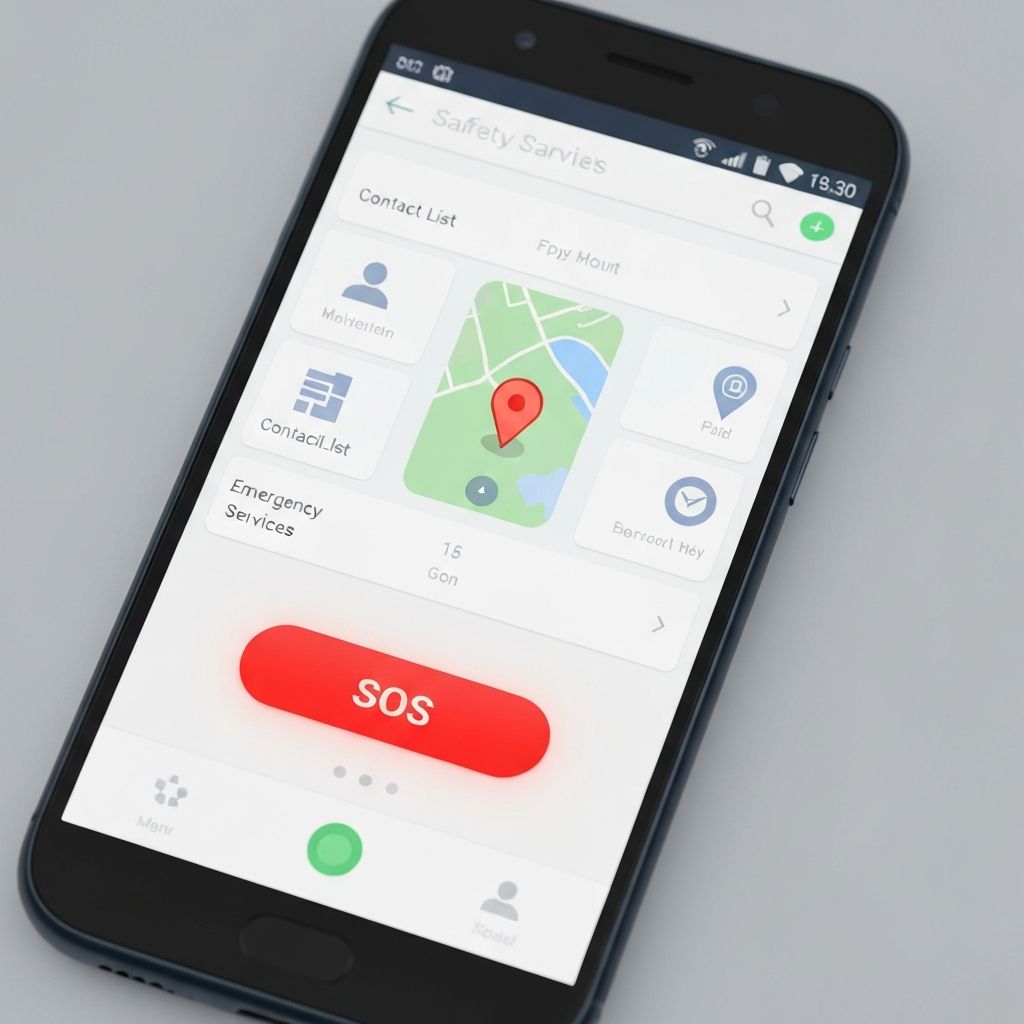
Get the app on your Android device and start traveling with added safety awareness.
Download APK FileAndroid 8.0 or higher required
How to Install
1
Download the APK
Click the download button above to get the APK file on your device.
2
Enable Unknown Sources
Go to Settings → Security → Enable "Install from Unknown Sources" or allow installation when prompted.
3
Install the App
Open the downloaded APK file and tap "Install" to complete the installation.
4
Grant Permissions
Open Arovate and allow location permissions for the safety features to work properly.
Requirements
What You Need
- Android 8.0 (Oreo) or higher
- GPS/Location services
- Internet connection for alerts
- At least 50MB free storage
Important Notes
- This is a project application, not available on Play Store
- Location permission is required for safety features
- Battery optimization may affect background tracking